
Image → Prompt
Image to Prompt
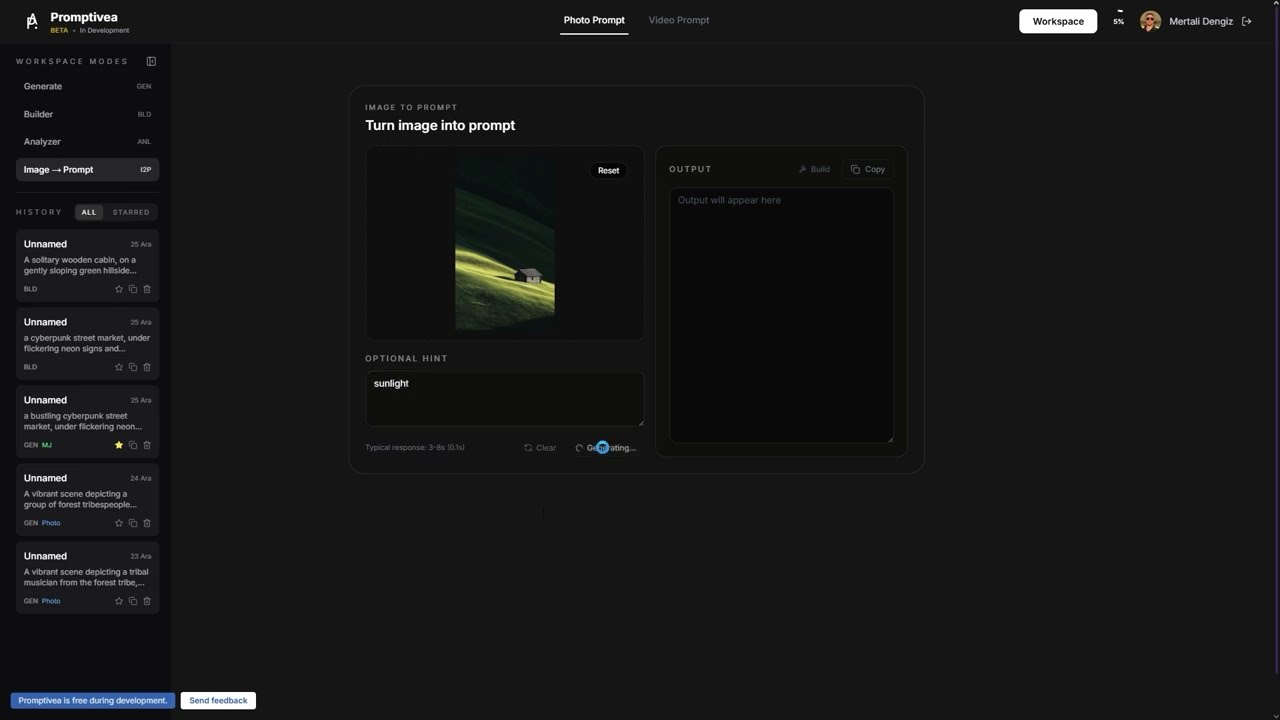
Upload an image you like, and AI will write a prompt that can recreate it.
Step by Step
01
Upload an image
Drag and drop the image you want to analyze or select a file.
02
Select a model
Choose whether you want the prompt in Midjourney or Gemini format.
03
Analyze
AI analyzes your image and creates a prompt that can reproduce similar results.
04
Use the prompt
Copy the generated prompt or edit it in Builder.
Tips
Higher resolution images produce more detailed prompts
Different models offer different perspectives
You can analyze the same image multiple times
Discover your favorite artist styles this way